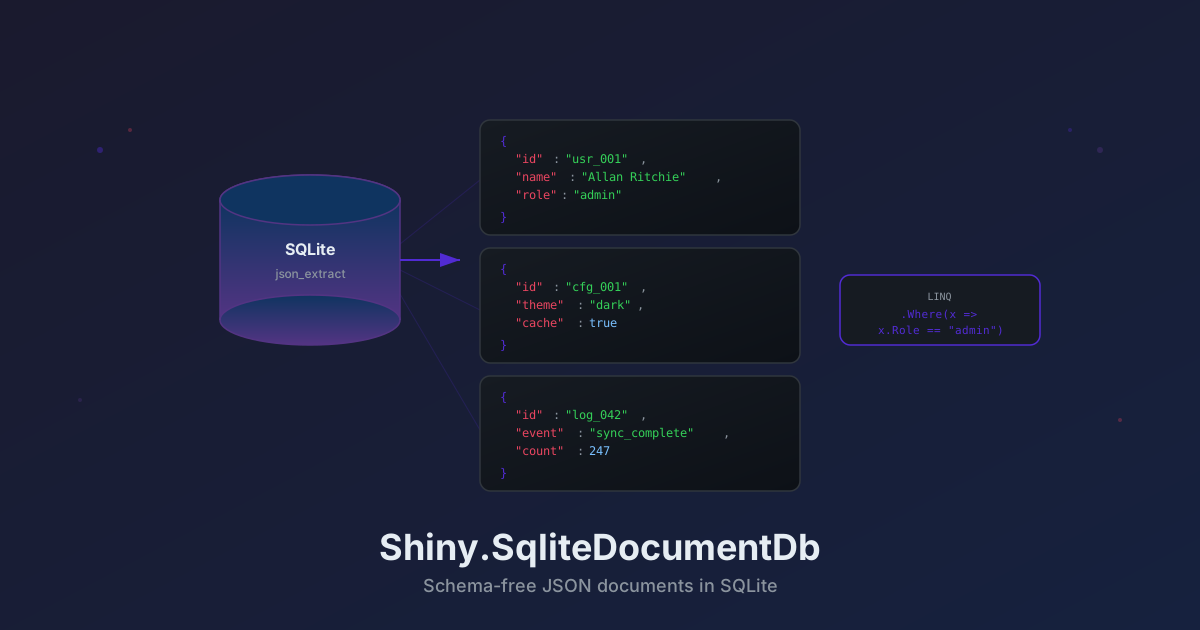
Shiny.SqliteDocumentDb v2.0.0 — Table-Per-Type, Custom Ids, Diffing, and Batch Insert
Shiny.SqliteDocumentDb v2.0.0 is now available. This release focuses on flexibility — you can now map document types to dedicated SQLite tables, use custom Id properties, diff objects against stored documents, batch insert collections efficiently, customize the default table name, and use the core library without any dependency injection framework.
Breaking Changes
DI Extensions Moved to a Separate Package
Microsoft.Extensions.DependencyInjection support has been extracted into its own package:
dotnet add package Shiny.SqliteDocumentDb.Extensions.DependencyInjectionThe core Shiny.SqliteDocumentDb package no longer depends on Microsoft.Extensions.DependencyInjection.Abstractions. If you use AddSqliteDocumentStore(), add the new package. If you instantiate SqliteDocumentStore directly, no changes are needed.
New Features
Convenience Constructor
You can now create a store with just a connection string:
var store = new SqliteDocumentStore("Data Source=mydata.db");Custom Default Table Name
The shared document table is no longer hardcoded to "documents". Set TableName on options to use any name:
var store = new SqliteDocumentStore(new DocumentStoreOptions
{
    ConnectionString = "Data Source=mydata.db",
    TableName = "my_documents"
});
Table-Per-Type Mapping
You can now map specific document types to their own dedicated SQLite tables. Unmapped types continue to share the default table.
var store = new SqliteDocumentStore(new DocumentStoreOptions
{
    ConnectionString = "Data Source=mydata.db",
    TableName = "documents"
}.MapTypeToTable<User>()           // auto-derives table name → "User"
 .MapTypeToTable<Order>("orders")  // explicit table name
);MapTypeToTable<T>()— auto-derives the table name from the type using the configuredTypeNameResolutionMapTypeToTable<T>(string tableName)— maps to an explicit table name- Fluent API — calls chain for concise configuration
- Duplicate protection — mapping two types to the same table throws
ArgumentException - AOT-safe — type names are resolved at registration time, not at runtime
Tables are lazily created on first use with the same schema (Id, TypeName, Data, CreatedAt, UpdatedAt) and composite primary key. This works seamlessly with all store operations including transactions, the fluent query builder, projections, indexes, and streaming.
Custom Id Properties
Types mapped to a dedicated table can use an alternate property as the document Id instead of the default Id. The property must be Guid, int, long, or string — the same types supported for the standard Id property.
var store = new SqliteDocumentStore(new DocumentStoreOptions
{
    ConnectionString = "Data Source=mydata.db"
}.MapTypeToTable<Customer>("customers", c => c.CustomerId)
 .MapTypeToTable<Sensor>("sensors", s => s.DeviceKey)
);
All four MapTypeToTable overloads support this:
| Overload | Description |
|---|---|
MapTypeToTable<T>() | Auto-derive table name, default Id property |
MapTypeToTable<T>(tableName) | Explicit table name, default Id property |
MapTypeToTable<T>(idProperty) | Auto-derive table name, custom Id property |
MapTypeToTable<T>(tableName, idProperty) | Explicit table name, custom Id property |
Auto-generation rules still apply — Guid and numeric Ids are auto-generated when default, and the value is written back to the mapped property after insert. Custom Id remapping is only available through MapTypeToTable, keeping the shared table convention simple.
Example: Mixed Mapped and Unmapped Types
var options = new DocumentStoreOptions
{
    ConnectionString = "Data Source=mydata.db"
}.MapTypeToTable<User>()
 .MapTypeToTable<Order>("orders")
 .MapTypeToTable<Device>("devices", d => d.SerialNumber);

var store = new SqliteDocumentStore(options);

// Users are stored in the "User" table (Id property)
await store.Insert(new User { Id = "u1", Name = "Alice", Age = 25 });

// Orders are stored in the "orders" table (Id property)
await store.Insert(new Order { Id = "o1", CustomerName = "Alice", Status = "Pending" });

// Devices are stored in the "devices" table (SerialNumber property as Id)
await store.Insert(new Device { SerialNumber = "SN-001", Model = "Sensor-X" });

// Settings go to the default "documents" table
await store.Insert(new AppSettings { Id = "global", Theme = "Dark" });

// Queries, transactions, indexes — everything works per-table
var users = await store.Query<User>().Where(u => u.Age > 18).ToList();
DI Registration with Table Mapping
services.AddSqliteDocumentStore(opts =>
{
    opts.ConnectionString = "Data Source=mydata.db";
    opts.MapTypeToTable<User>();
    opts.MapTypeToTable<Order>("orders");
    opts.MapTypeToTable<Device>("devices", d => d.SerialNumber);
});
Document Diffing with GetDiff
Compare a modified object against the stored document and get an RFC 6902 JsonPatchDocument<T> describing the differences. Returns null if the document doesn’t exist. Powered by SystemTextJsonPatch.
var proposed = new Order
{
    Id = "ord-1", CustomerName = "Alice", Status = "Delivered",
    ShippingAddress = new() { City = "Seattle", State = "WA" },
    Lines = [new() { ProductName = "Widget", Quantity = 10, UnitPrice = 8.99m }],
    Tags = ["priority", "expedited"]
};

var patch = await store.GetDiff("ord-1", proposed);
// patch.Operations:
//   Replace /status → Delivered
//   Replace /shippingAddress/city → Seattle
//   Replace /shippingAddress/state → WA
//   Replace /lines → [...]
//   Replace /tags → [...]

// Apply the patch to any instance of the same type
var current = await store.Get<Order>("ord-1");
patch!.ApplyTo(current!);
The diff is deep — nested objects produce individual property-level operations (e.g. /shippingAddress/city), while arrays and collections are replaced as a whole. Works with table-per-type, custom Id, and inside transactions.
Batch Insert
BatchInsert inserts multiple documents in a single transaction with prepared command reuse for optimal performance. Returns the count inserted. If any document fails (e.g. duplicate Id), the entire batch is rolled back. Auto-generates IDs for Guid, int, and long Id types.
var users = Enumerable.Range(1, 1000).Select(i => new User
{
    Id = $"user-{i}", Name = $"User {i}", Age = 20 + i
});

var count = await store.BatchInsert(users); // single transaction, prepared command reused

// Inside a transaction — uses the existing transaction
await store.RunInTransaction(async tx =>
{
    await tx.BatchInsert(moreUsers);
    await tx.Insert(singleUser);
    // All committed or rolled back together
});
Migration Guide
-
If you use DI, add the new package:
dotnet add package Shiny.SqliteDocumentDb.Extensions.DependencyInjectionThe
AddSqliteDocumentStore()API is unchanged — just a different package. -
If you instantiate directly, no changes required. The default behavior is identical to v1 — all documents go to a table called
"documents". -
Table-per-type and custom Id are opt-in. Existing databases continue to work without any changes. You can incrementally adopt table mapping for specific types while keeping everything else in the shared table.
Check out the full documentation and release notes for the complete API reference.
comments powered by Disqus