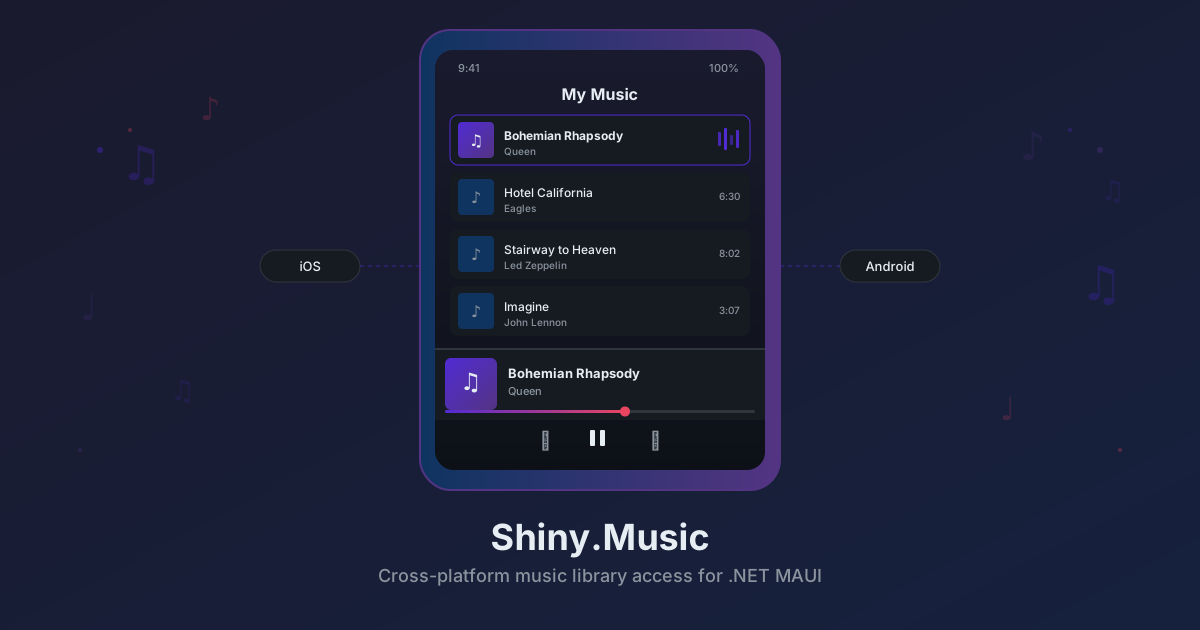
Introducing Shiny.Music — Cross-Platform Music Library Access for .NET MAUI
Here’s something that shouldn’t be hard but is: accessing the music library on a user’s device from .NET MAUI.
On Android, you need MediaStore.Audio.Media, a ContentResolver, cursor iteration, and different permission models depending on whether you’re targeting API 33+ or older. On iOS, you need MPMediaQuery, MPMediaItem, AVAudioPlayer, and an NSAppleMusicUsageDescription entry or the app crashes on launch. There’s no MAUI abstraction. No popular NuGet package. You write platform-specific code from scratch every time.
So I built Shiny.Music — a clean, DI-first API that gives you permission management, metadata queries, playback controls, and file export across both platforms.
What Is It?
Two interfaces, one registration call:
IMediaLibrary— request permissions, query all tracks, search by title/artist/album, copy track files to app storageIMusicPlayer— play, pause, resume, stop, seek, with state tracking and completion events
// MauiProgram.cs
builder.Services.AddShinyMusic();
That registers both interfaces as singletons. Inject them anywhere.
Quick Start
public class MusicPage
{
    readonly IMediaLibrary library;
    readonly IMusicPlayer player;

    public MusicPage(IMediaLibrary library, IMusicPlayer player)
    {
        this.library = library;
        this.player = player;
    }

    async Task LoadAndPlay()
    {
        // 1. Request permission
        var status = await library.RequestPermissionAsync();
        if (status != PermissionStatus.Granted)
            return;

        // 2. Browse the library
        var allTracks = await library.GetAllTracksAsync();

        // 3. Or search
        var results = await library.SearchTracksAsync("Bohemian");

        // 4. Play a track
        await player.PlayAsync(results[0]);

        // 5. Control playback
        player.Pause();
        player.Resume();
        player.Seek(TimeSpan.FromSeconds(30));
        player.Stop();
    }
}
The Media Library
Permissions
Permissions differ between platforms:
| Platform | Permission | Notes |
|---|---|---|
| Android 13+ (API 33) | READ_MEDIA_AUDIO | New granular media permission |
| Android 12 and below | READ_EXTERNAL_STORAGE | Legacy broad storage permission |
| iOS | Apple Music usage description | Must be in Info.plist or app crashes |
The library handles this automatically. RequestPermissionAsync() prompts the user with the correct platform permission. CheckPermissionAsync() checks the current status without prompting.
Android AndroidManifest.xml:
<uses-permission android:name="android.permission.READ_MEDIA_AUDIO" />
<uses-permission android:name="android.permission.READ_EXTERNAL_STORAGE"
                 android:maxSdkVersion="32" />
iOS Info.plist:
<key>NSAppleMusicUsageDescription</key>
<string>This app needs access to your music library to browse and play your music.</string>
Track Metadata
Every track comes back as a MusicMetadata record:
public record MusicMetadata(
    string Id,           // Platform-specific unique ID
    string Title,
    string Artist,
    string Album,
    string? Genre,
    TimeSpan Duration,
    string? AlbumArtUri, // Android only — null on iOS
    string ContentUri    // content:// (Android) or ipod-library:// (iOS)
);
Querying Tracks
// Get everything
var tracks = await library.GetAllTracksAsync();

// Search across title, artist, and album
var results = await library.SearchTracksAsync("Beatles");
On Android, queries go through MediaStore.Audio.Media with ContentResolver. On iOS, they use MPMediaQuery with MPMediaPropertyPredicate.
File Export
Need to copy a track to your app’s storage?
var destination = Path.Combine(FileSystem.AppDataDirectory, "exported.m4a");
bool success = await library.CopyTrackAsync(track, destination);
Returns false if the copy isn’t possible — which brings us to the DRM caveat.
The Music Player
Playback Controls
await player.PlayAsync(track);  // Load and play
player.Pause();                  // Pause at current position
player.Resume();                 // Resume from paused position
player.Seek(TimeSpan.FromMinutes(1));  // Jump to position
player.Stop();                   // Stop and release
State Tracking
PlaybackState state = player.State;       // Stopped, Playing, or Paused
MusicMetadata? current = player.CurrentTrack;
TimeSpan position = player.Position;
TimeSpan duration = player.Duration;

player.StateChanged += (sender, args) =>
{
    // React to state transitions
};

player.PlaybackCompleted += (sender, args) =>
{
    // Track finished — load next?
};
On Android, playback uses Android.Media.MediaPlayer. On iOS, it uses AVAudioPlayer via AVFoundation. Both are properly managed — resources are released on stop and disposal.
The DRM Caveat
This is important to know upfront.
On iOS, Apple Music subscription tracks (DRM-protected) cannot be played or copied through this API. For these tracks:
ContentUriwill be an empty stringCopyTrackAsyncreturnsfalsePlayAsyncthrowsInvalidOperationException
Only locally synced or purchased (non-DRM) tracks work. The metadata (title, artist, album, duration) is still available for all tracks — you just can’t access the audio data for DRM-protected ones.
On Android, all locally stored music files work without restrictions via ContentResolver.
This is an OS-level limitation, not a library limitation. iOS simply does not expose the audio asset URL for DRM-protected media items.
Platform Support
| Platform | Minimum Version | Audio Query | Playback Engine |
|---|---|---|---|
| Android | API 24 (Android 7.0) | MediaStore.Audio.Media | Android.Media.MediaPlayer |
| iOS | 15.0 | MPMediaQuery | AVAudioPlayer |
Both platforms require a physical device for meaningful testing — simulators and emulators don’t have music content.
When to Use It
Good fit:
- Music player apps that browse the device library
- Apps that need to search or display the user’s music collection
- Exporting audio files for processing (transcription, analysis, sharing)
- Any app that integrates with locally stored music
Not the best fit:
- Streaming music from web sources (use
MediaElementor a streaming library) - Audio recording (use Plugin.Maui.Audio or platform audio APIs)
- Background audio playback with lock screen controls (this is foreground playback)
Get Started
dotnet add package Shiny.MusicFull source and sample app at the GitHub repository. Documentation coming soon at shinylib.net/client/music.
comments powered by Disqus