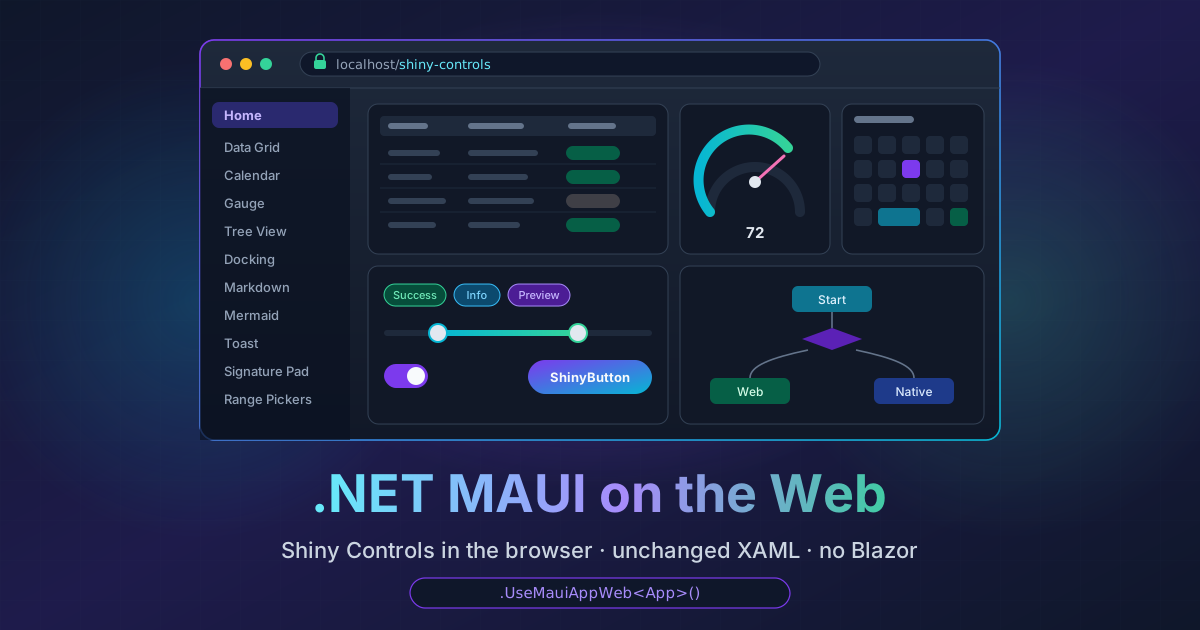
.NET MAUI on the Web - and Most of Shiny Controls Just Works
On this page
Every few months somebody asks me “can I run my MAUI app in a browser?” And every time the honest answer has been
“sort of”: put your UI in Blazor, host it in a BlazorWebView, and share the Razor components with a web app. That
works, and I use it. But it means your UI is Blazor, not MAUI. Your XAML, your Grids, your VisualStateManager, your
custom controls and the MAUI control library you spent a year building don’t come with you.
What I actually wanted was the other way round: my MAUI app, unchanged, in a browser tab.
So I built a backend
The maui-labs folks have been showing for a while that MAUI backends don’t have
to come from Microsoft. Linux runs on GTK4 and macOS runs on AppKit, both built from MAUI’s platform-agnostic
net10.0 assemblies plus a set of handlers. I’d already done the same for Apple TV. A browser is just another
platform with a UI toolkit, and that toolkit is the DOM.
So Platform.Maui.Web is a MAUI backend for WebAssembly. Every control is a real DOM element: a <button>, an
<input>, a <dialog>, SVG for shapes and borders, and a 2D canvas for GraphicsView. There’s no Blazor, no Razor and
no canvas-drawn UI pretending to be a button. MAUI’s own cross-platform layout engine measures and positions
everything, so a Grid is a Grid is a Grid.
Where this lives
 Platform.Maui.WebThe backend: handlers, hosting, dispatcher, fonts, dialogs, theming and the build targets that turn MauiImage/MauiFont/MauiAsset into static web assets.Platform.Maui.Web.EssentialsMAUI Essentials on browser APIs: Preferences on localStorage, Geolocation, Clipboard, Share, sensors, the file and media pickers, and more.
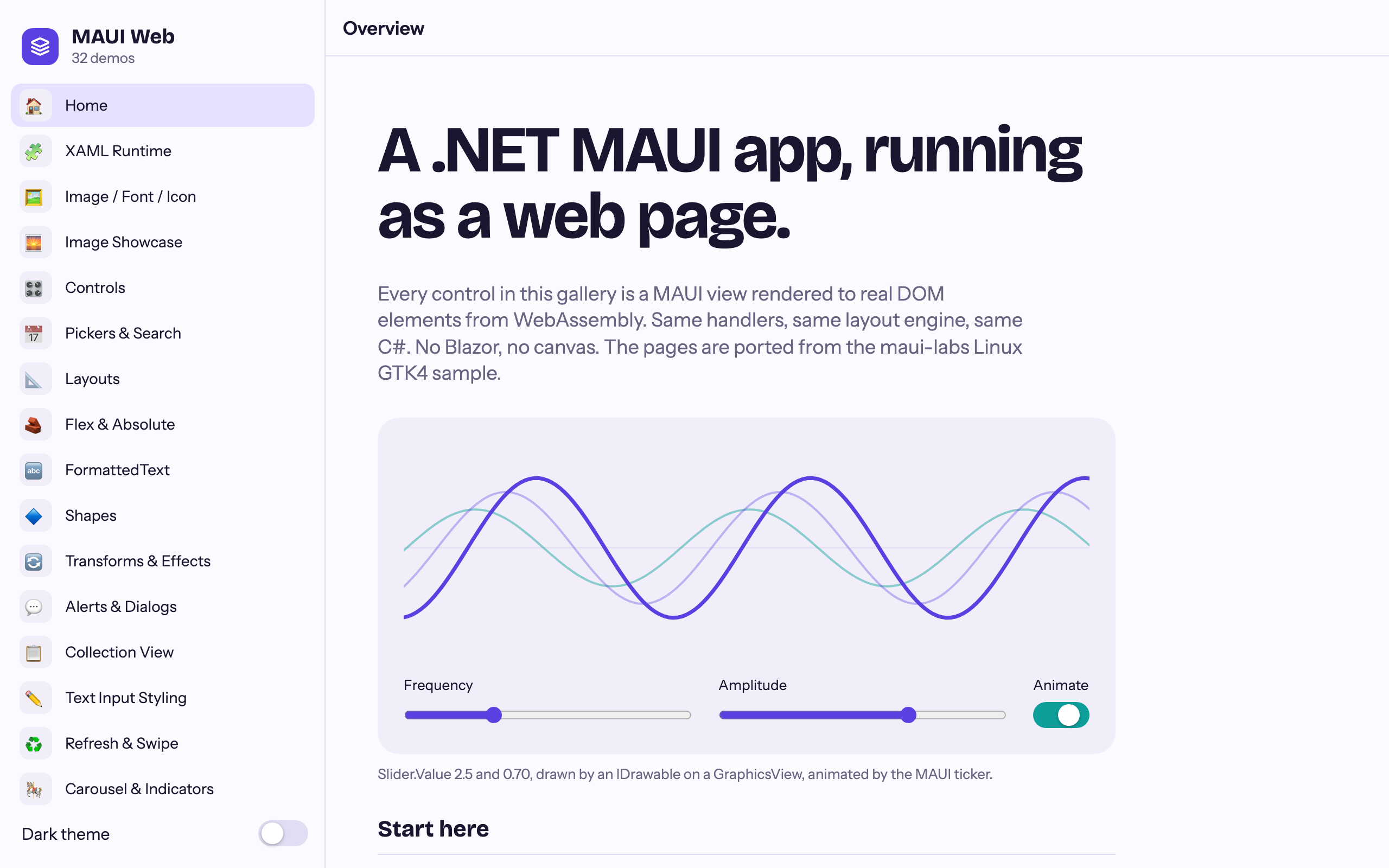
The backend’s own gallery works, which is nice, but it isn’t the real test. I wrote that gallery for the backend. The real test is an app that has no idea it’s about to end up in a browser.
The real test: Shiny Controls
I have exactly one of those lying around, and it’s big. The Shiny Controls gallery
has data grids, a scheduler, docking, Markdown, Mermaid diagrams, gauges, pickers, overlays and a pile of animation.
It already has a Linux head, which compiles the shared pages on plain net10.0 with GTK4 underneath.
So the web head is the Linux head with the GTK bits swapped out. A Microsoft.NET.Sdk.WebAssembly project links the
gallery’s XAML and C#, and MauiProgram changes by one line:
builder
    .UseMauiAppWeb<App>()      // was UseMauiAppLinuxGtk4<App>()
    .UseWebEssentials()
    .UseShinyControls()
    .UseShinyShell(x => x.AddGeneratedMaps());
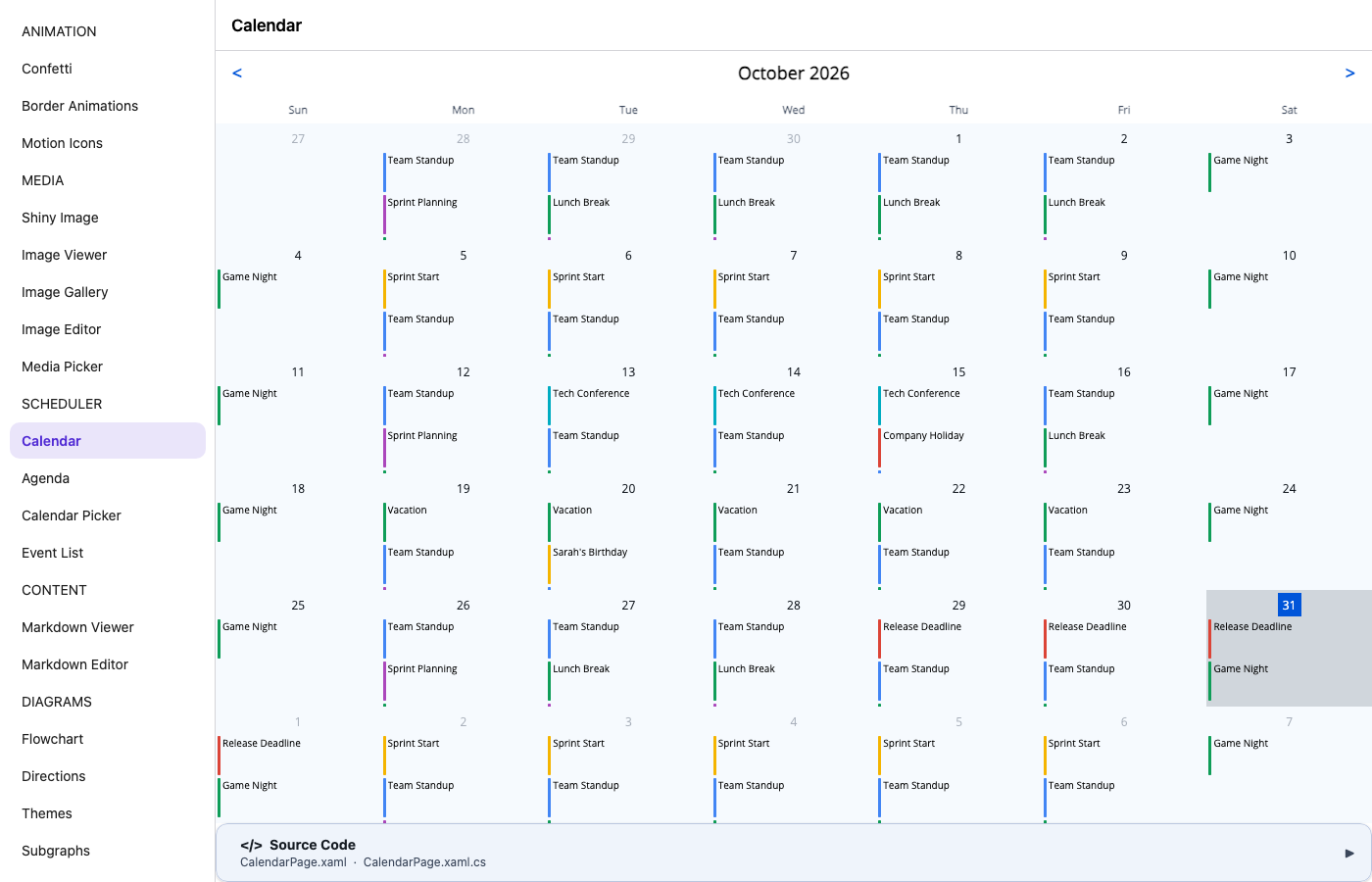
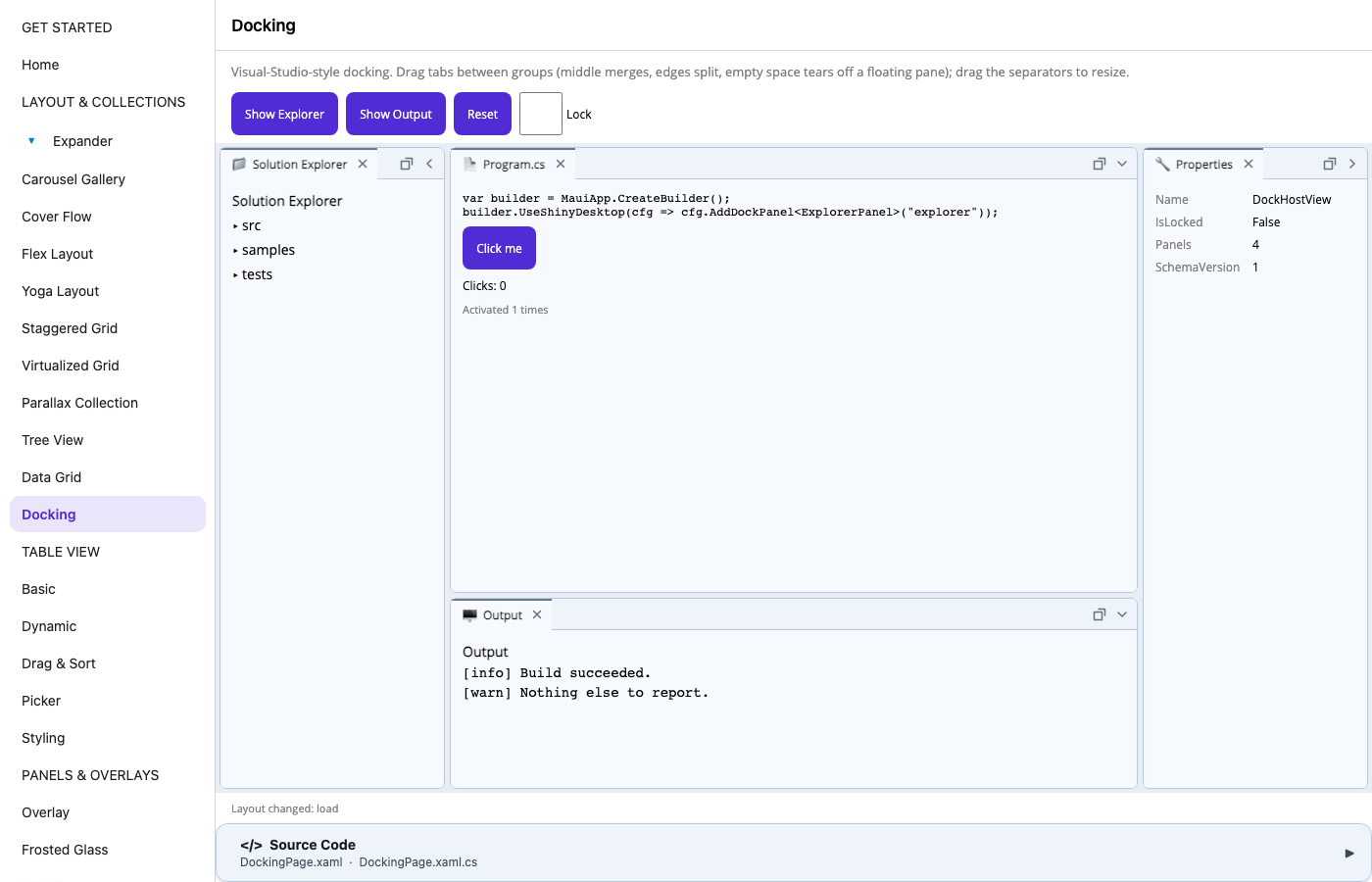
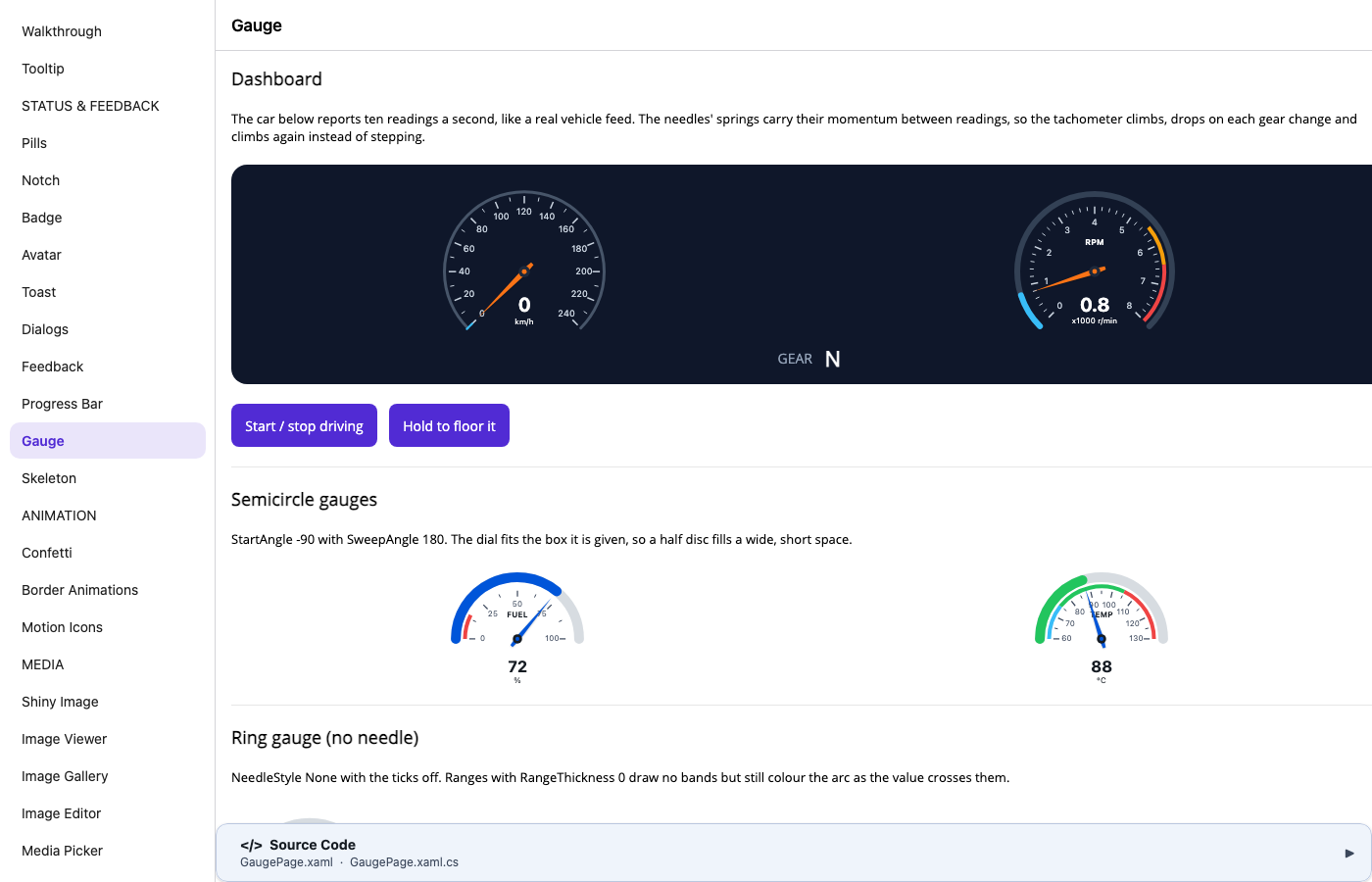
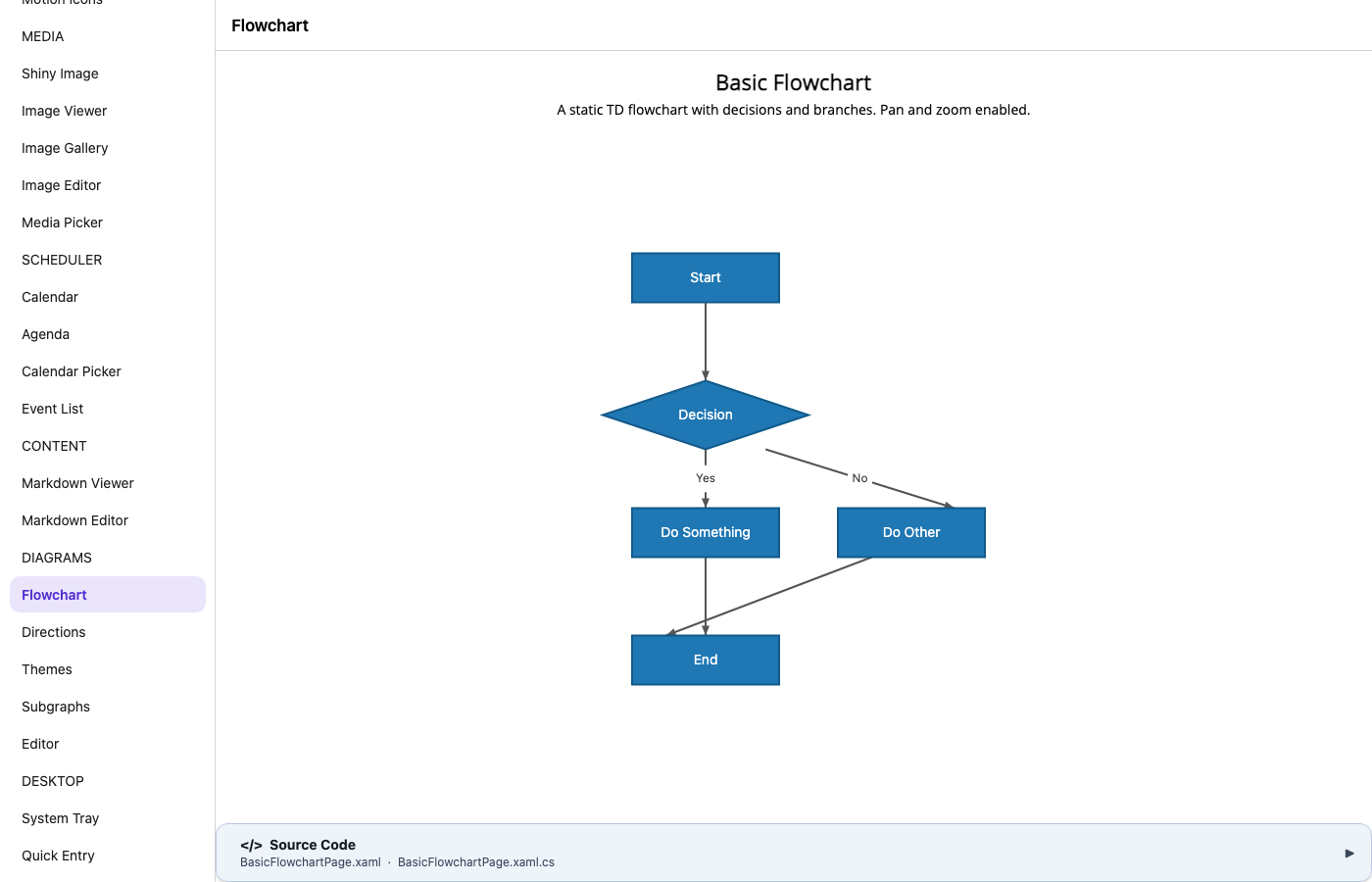
I published it as a trimmed Release build (trimming is where these things break) and had Playwright walk every page in Chromium, watching the console as well as the screen.
68 pages. Every one of them opens without an exception. No page was changed for the browser.
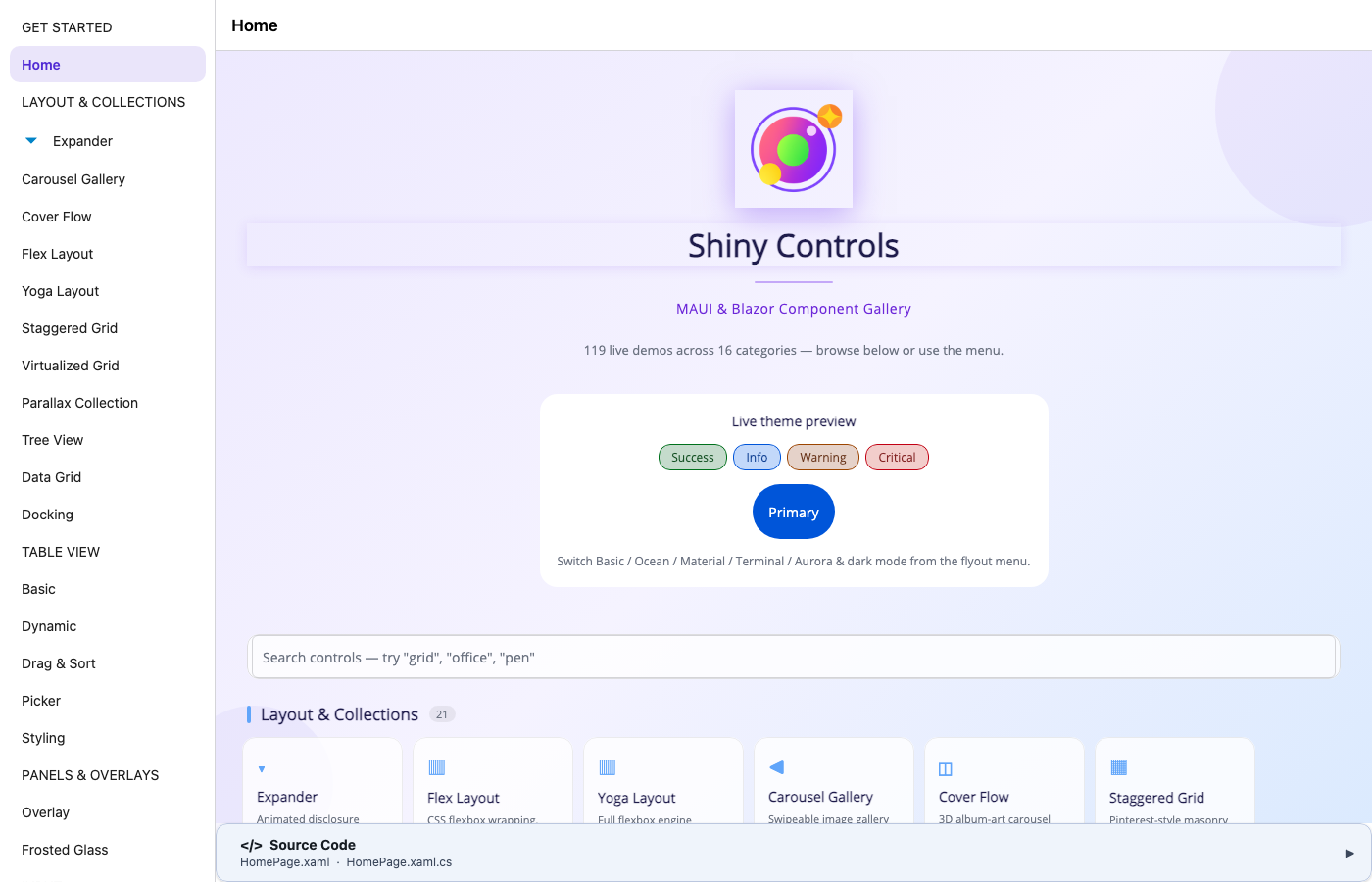
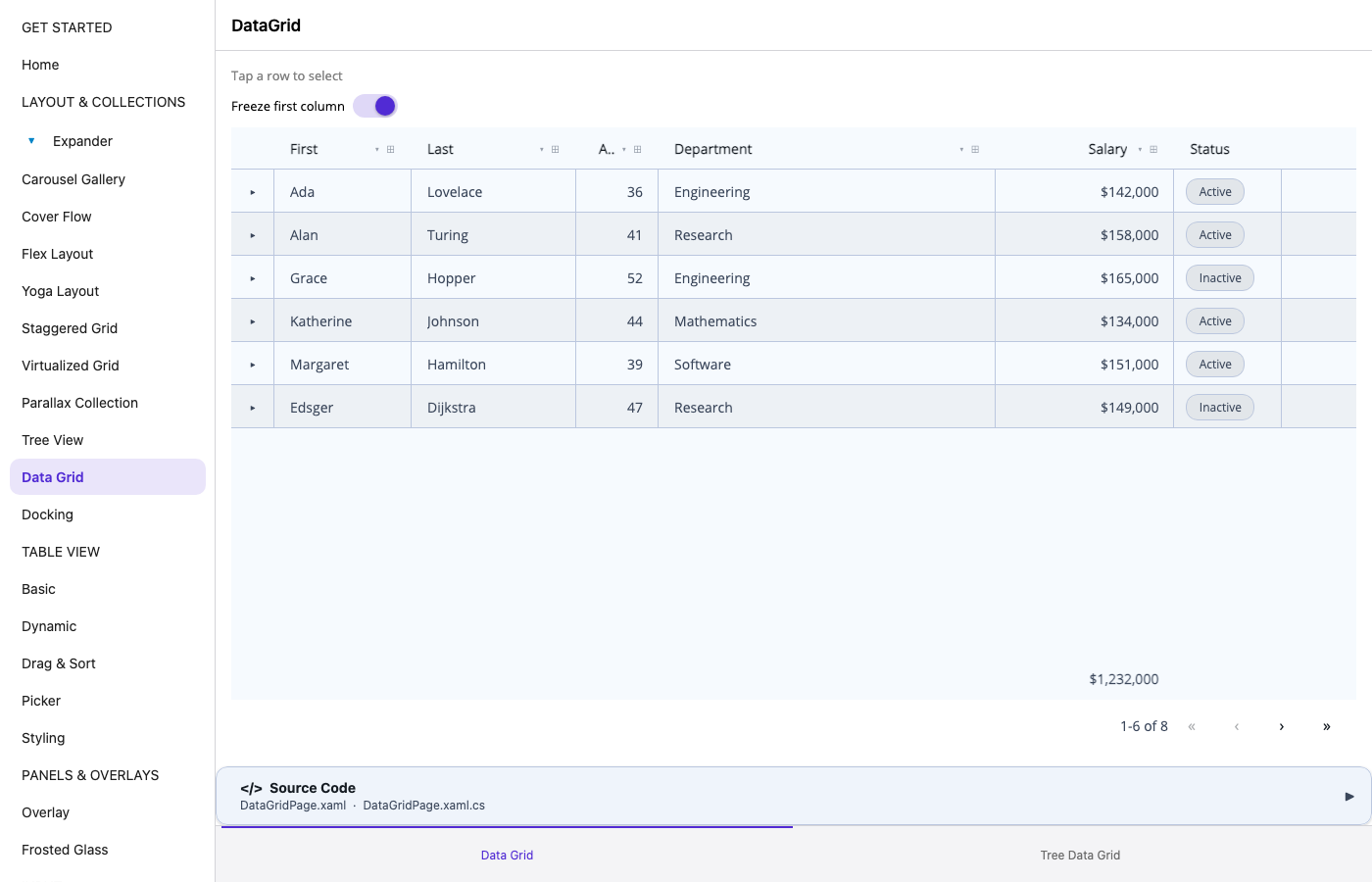
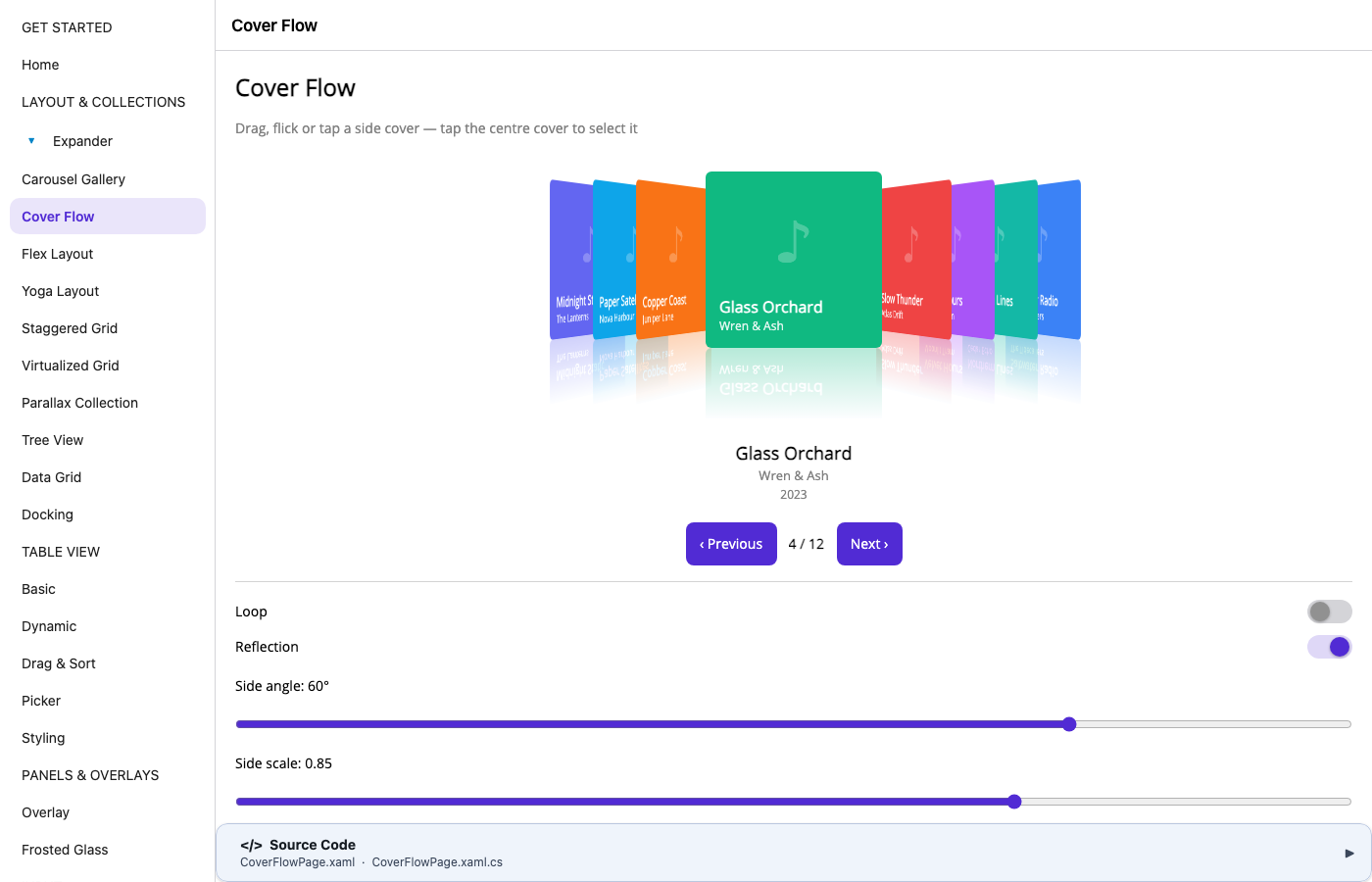
The DataGrid sorts and groups. The scheduler draws a month of events. Docking panels dock. Gauges sweep their needles with spring physics. Markdown renders, and the Mermaid flowcharts lay themselves out. TableView, TreeView, Expander, CoverFlow, the M3 text fields, tag entry, range pickers, the signature pad, toasts, dialogs, skeletons, confetti: all there.
Why it mostly just works
This wasn’t luck, and it isn’t magic. Most Shiny Controls are composed from MAUI primitives: Grid, Border,
Label, shapes, GraphicsView, gestures and animations. I wrote them that way so they’d behave the same on iOS,
Android, Windows, macOS and Linux without a pile of per-platform code. The browser backend implements those same
primitives, so a control built on them doesn’t know or care that its Border is now an SVG stroke around a <div>.
The controls that don’t come along are the ones that brought their own native view.
What’s still pending
- MediaElement. Shiny’s MediaElement has handlers for ExoPlayer, AVPlayer and GStreamer, but not for the browser.
It needs a
<video>handler, which is the obvious next one. - SkiaSharp views.
SKCanvasViewhas no web handler, so everything that paints with Skia waits on it. That’s the Office editors (spreadsheet, documents, slides, notebooks) and FloorPlan. - CarouselGallery, StaggeredGrid and VirtualizedGrid. These wrap
RecyclerView,UICollectionViewandScrollViewerfor speed, and nothing in the browser yet. - Images inside GraphicsView. The browser happily decodes and draws them, but MAUI’s
net10.0PlatformImagecan’t decode, so it reports the wrong size. The ImageEditor canvas is black for that reason. - Remote ShinyImage downloads. On the browser,
HttpClientisfetch, andfetchmeans CORS. Image hosts that don’t send CORS headers fail, and the progress ring doesn’t finish yet. - Haven’t tried yet. I left out the same pages the Linux head leaves out: camera and barcodes, chat and speech,
FloatingPanel, Keyframe, Gamepad and the Diagram add-on. The browser has APIs for a lot of that (
getUserMedia,BarcodeDetector, the Gamepad API), and the Blazor versions of these controls already use them. So it’s a matter of when, not if.
The backend has its own list too. The biggest item is that CollectionView isn’t virtualized yet, so a 10,000-item list will hurt. Pinch gestures and drag & drop aren’t in yet either.
A few things I learned on the way
- XAML needs nothing web-specific. MAUI’s package compiles XAML in any project that references it,
UseMauior not, and the source-generated inflator works fine trimmed. OnPlatformmatchesWeb, and your#if ANDROIDblocks quietly compile with neither defined (WEBandBROWSERare).- Images and raw assets share one root in the browser. The Shiny gallery had
dotnet_bot.pngas both aMauiImageand aMauiAsset. On a phone those are separate places; on the web they’re the same URL, and the build tells you so. - Use
IQueryAttributable, not[QueryProperty]. MAUI turns the latter off in trimmed builds, on every platform. The browser is just the first place most people will trim.
Try it
It’s a Microsoft.NET.Sdk.WebAssembly project, the .NET 10 SDK, and no workload:
<ItemGroup>
  <PackageReference Include="Platform.Maui.Web" Version="0.4.0" />
  <PackageReference Include="Platform.Maui.Web.Essentials" Version="0.4.0" />
  <PackageReference Include="Shiny.Maui.Controls" Version="*-*" />
</ItemGroup>
Swap UseMauiApp<App>() for UseMauiAppWeb<App>(), add a tiny index.html and main.js, and dotnet run. When
you’re done, dotnet publish -c Release gives you static files you can drop on any web host. The
setup guide has every file, and the
web guide
shows how to bolt a web head onto an existing app without moving anything.
It’s experimental, and 0.4.0 is on NuGet now. If you try it on your app, I’d love to hear what breaks, so open an
issue on shinyorg/mauiplatforms. MediaElement on <video> is
next.