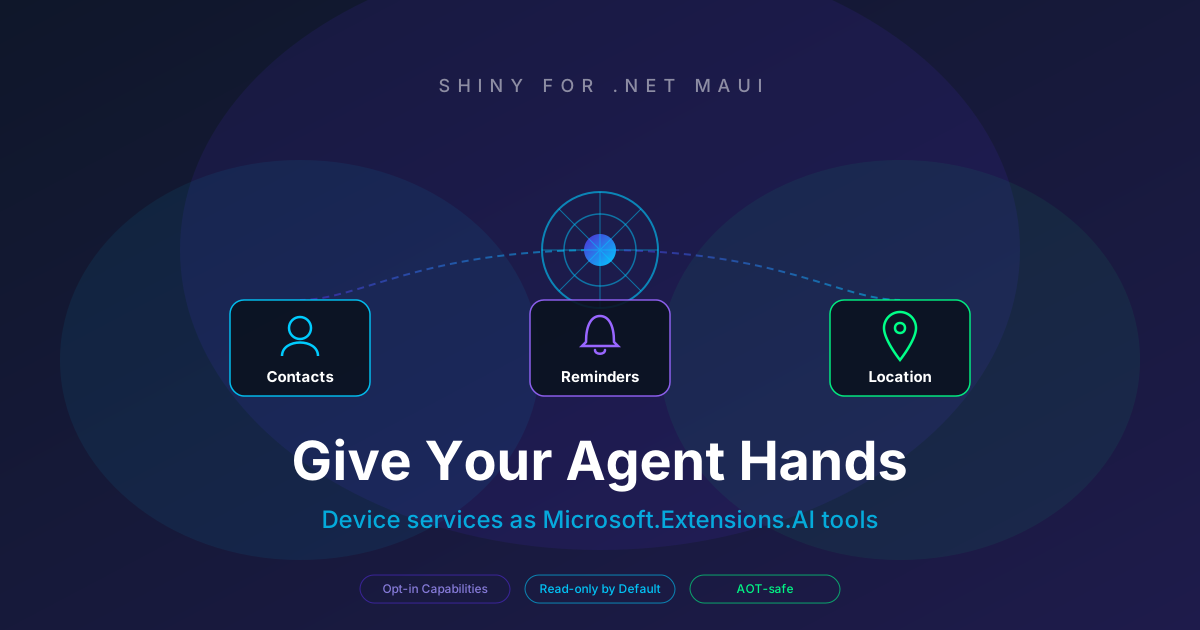
Give Your MAUI Agent Hands — Contacts, Reminders & Location as AI Tools
On this page
I built a chat assistant into a MAUI app a while back and it was… fine. It could answer questions. It could summarise things. And then a tester asked it, out loud, “remind me to call the plumber at three” — and it cheerfully replied “Sure, I’ll remind you!” and then, of course, did absolutely nothing. It had no hands. It could only talk.
That’s the moment that stuck with me. A model on its own is a very articulate box with no arms. The interesting part isn’t the conversation — it’s giving it a small, safe set of things it can actually do on the device.
When I shipped Shiny.Health.Extensions.AI, that was the proof: hand the model a tool to read step counts and “how did I sleep last week?” stops being a vibe and becomes a number pulled from HealthKit. So I did the same thing for three more device services that people ask assistants about constantly — contacts, reminders, and location.
Same recipe every time: you opt-in to exactly which operations the model is allowed to call (an allow-list you control on behalf of the agent — it is emphatically not an OS permission prompt), it’s read-only by default, and it’s all IsAotCompatible — hand-built schemas, JsonNode results, no reflection in the tool path.
Contacts — talk to your address book
dotnet add package Shiny.Contacts.Extensions.AIbuilder.Services.AddContactStore();
builder.Services.AddContactsAITools(tools => tools
.AddContacts(ContactAICapabilities.ReadWrite) // Read is the default; ReadWrite adds create/update/delete
);That gives the model search_contacts and get_contact, and — if you opt-in to write — create_contact, update_contact, and delete_contact.
I reach for this whenever the app is basically a personal assistant and tapping through the contacts UI is the slow path. The model searches for an id, then acts on it. Real things people say:
- “What’s Jane Doe’s mobile number?”
- “Add a contact for my new dentist — Dr. Patel at Bright Smiles Dental, 555-0142.”
- “Change my brother Mike’s email to mike@newjob.com.”
- “Do I have anyone saved from Acme Corp?”
- “Delete the contact for my old landlord.” — this one’s destructive, so I tell the model in the system prompt to confirm before it calls
delete_contact.
Reminders — “remind me…” that actually fires
dotnet add package Shiny.Notifications.Extensions.AIbuilder.Services.AddNotifications();
builder.Services.AddNotificationAITools(tools => tools
.AddReminders(ReminderAICapabilities.ReadWrite, channel: "reminders")
);This is the one that fixes my plumber story. Under the hood it’s local notifications, but I framed the tools as reminders because that’s how people talk: list_reminders, create_reminder (now, at a set time, or daily), and cancel_reminder.
- “Remind me to call the plumber at 3pm today.”
- “Set a daily reminder to take my meds at 8:30am.”
- “What reminders do I have set?”
- “Cancel the one about the dentist.”
- “Nudge me to water the plants every evening at 6.”
scheduleFor handles the one-shots and repeatDailyAt handles the recurring ones — the model picks which based on how you phrased it.
Location — where am I, and how far to there?
dotnet add package Shiny.Locations.Extensions.AIbuilder.Services.AddGps();
builder.Services.AddLocationAITool(); // read-only — GPS has no write capabilityGPS is read-only, so there’s nothing to configure — one call wires up get_current_location, get_distance_to, and estimate_travel_time. Now the agent knows where the user is and can reason about getting somewhere.
- “Where am I right now?”
- “How far is it from here to 51.4700, -0.4543?”
- “Roughly how long to cycle to the park at 51.51, -0.12?”
- “Am I within 2 km of the office?”
- “What’s my current speed and heading?”
One thing I was deliberate about: these are straight-line, great-circle distances and the travel-time is an assumed average speed — not a routed ETA with roads and traffic. Rather than let the model bluff, every result carries a note saying exactly that, so it answers “about 4 km as the crow flies” instead of pretending to be Google Maps.
The good part: they compose
Each package hands you a little bundle from DI. Concatenate the .Tools and give the whole pile to any IChatClient:
var tools = new List<AITool>();
tools.AddRange(sp.GetRequiredService<ContactAITools>().Tools);
tools.AddRange(sp.GetRequiredService<NotificationAITools>().Tools);
tools.AddRange(sp.GetRequiredService<LocationAITools>().Tools);

var response = await chatClient.GetResponseAsync(
    messages,
    new ChatOptions { Tools = tools }
);
Which means one sentence can light up all three:
“I’m meeting Sarah at the office at 5 — how far am I, and remind me to leave in an hour.”
search_contacts for Sarah, get_distance_to for the office, create_reminder for the nudge — one turn, three device services, no glue code from me.
The boring-but-important bit
The capability builders decide what the agent can see. They do not grant OS permissions. You still call RequestAccess (or start a GPS listener) from your app the normal way before you hand the agent the wheel — the tools assume access is already granted and return a tidy error object if it isn’t. Keep the model on the allow-list you’re comfortable with, request the real permissions yourself, and let it do the rest.
That’s the whole idea, really. Don’t build an assistant that can only talk. Give it a few hands and watch what people ask it to do.
Update: the app’s own hands
A few months on, there’s one more bundle for the pile, and it’s the one I wanted most: your app’s own functions.
Shiny.AppFunctions.Extensions.AI takes the functions you’ve
declared for Siri and Gemini with Shiny.AppFunctions and hands them to your
in-app model as tools, next to contacts, reminders and location:
builder.Services.AddAppFunctions();
builder.Services.AddAppFunctionAITools(tools => tools.AddAllFunctions());

tools.AddRange(sp.GetRequiredService<AppFunctionAITools>().Tools);
Same handlers, same sign-in checks, no third copy of anything. “Remind me to follow up with Acme, and create an order for them” is now one turn.